
The Future of AI in Software Engineering
Something fundamental shifted in software engineering around 2023. It was not a single product launch or a research paper — it was the moment developers realized that AI was not coming for their jobs. It was coming for their most tedious work, and that was actually a good thing.
In 2026, the question is no longer "will AI change how we code?" It already has. The question is: are you using it to punch above your weight class, or are you still writing boilerplate by hand?
"The models we have today are the worst models we will ever use. Everything from here is upward." — Sam Altman
1. AI-Native IDEs: Beyond Autocomplete
The first generation of AI coding tools — GitHub Copilot, Tabnine — were autocomplete on steroids. Useful, but shallow. They knew your current file. Maybe a few related ones.
The second generation understands your entire codebase.
Tools like Cursor, Kiro, and Windsurf can:
- Read and reason across hundreds of files simultaneously
- Understand architectural intent, not just syntax
- Perform multi-file refactors from a single natural language prompt
- Run terminal commands, fix their own errors, and iterate autonomously
// What used to take 30 minutes now takes 30 seconds:
// Prompt: "Add rate limiting to all POST endpoints using Upstash Redis.
//          Use sliding window, 10 requests per minute per IP.
//          Return 429 with Retry-After header on limit exceeded."

// The AI reads your entire API layer, understands the patterns,
// and applies the change consistently across every route.
// You review the diff. Done.
2. Autonomous Testing and Debugging
Writing tests has always been the thing developers know they should do but find tedious. AI is solving this at both ends — generation and debugging.
AI-Generated Test Suites
// Prompt to an AI agent:
// "Generate comprehensive tests for this authentication service.
//  Cover happy paths, edge cases, and security scenarios."

// Generated output (Vitest):
import { describe, it, expect, vi, beforeEach } from 'vitest';
import { AuthService } from './auth.service';
import { createMockDb } from '../test/mocks';

describe('AuthService', () => {
  let authService: AuthService;
  let mockDb: ReturnType<typeof createMockDb>;

  beforeEach(() => {
    mockDb = createMockDb();
    authService = new AuthService(mockDb);
  });

  describe('login', () => {
    it('returns tokens for valid credentials', async () => {
      mockDb.users.findByEmail.mockResolvedValue({
        id: 'user-1',
        email: 'test@example.com',
        password: await bcrypt.hash('password123', 12),
      });

      const result = await authService.login('test@example.com', 'password123');

      expect(result.accessToken).toBeDefined();
      expect(result.refreshToken).toBeDefined();
    });

    it('throws for non-existent user', async () => {
      mockDb.users.findByEmail.mockResolvedValue(null);
      await expect(
        authService.login('ghost@example.com', 'password')
      ).rejects.toThrow('Invalid credentials');
    });

    it('throws for wrong password', async () => {
      mockDb.users.findByEmail.mockResolvedValue({
        id: 'user-1',
        password: await bcrypt.hash('correct-password', 12),
      });
      await expect(
        authService.login('test@example.com', 'wrong-password')
      ).rejects.toThrow('Invalid credentials');
    });

    it('uses timing-safe comparison to prevent timing attacks', async () => {
      // Verifies bcrypt.compare is called, not string equality
      const compareSpy = vi.spyOn(bcrypt, 'compare');
      await authService.login('test@example.com', 'any-password').catch(() => {});
      expect(compareSpy).toHaveBeenCalled();
    });
  });
});
AI-Assisted Debugging
The debugging workflow has changed. Instead of reading stack traces and mentally tracing execution, you paste the error into an AI and get a root cause analysis with a fix in seconds.
More importantly, AI agents can now run your tests, read the failure output, hypothesize a fix, apply it, and re-run — iterating until green. Tools like Devin and SWE-agent do this autonomously.
3. The New Developer Skill Stack
The skills that matter have shifted. Not replaced — shifted.
| Was critical | Still critical | Newly critical |
|---|---|---|
| Memorizing syntax | System design | Prompt engineering |
| Writing boilerplate | Debugging complex issues | AI output evaluation |
| Manual test writing | Code review | Context management |
| Searching Stack Overflow | Architecture decisions | Tool orchestration |
What Good Prompting Looks Like
BAD prompt:
"Fix my authentication"

GOOD prompt:
"The login endpoint at POST /api/auth/login is returning 500 when the
user's email doesn't exist in the database. The error is 'Cannot read
properties of null (reading password)'. The relevant code is in
src/services/auth.service.ts lines 23-45. Fix the null check and add
a consistent error message that doesn't reveal whether the email exists
(to prevent user enumeration)."
The difference is specificity, context, and constraints. The second prompt gives the AI everything it needs and tells it what NOT to do.
4. AI in the Full Development Lifecycle
AI is not just in the editor. It is embedded across the entire pipeline:
| Stage | Tool | What it does |
|---|---|---|
| Planning | Claude / ChatGPT | Architecture decisions, PRD drafting, tech stack evaluation |
| Design | v0 by Vercel | UI component generation from text or screenshots |
| Coding | Cursor / Kiro | Multi-file edits, refactoring, boilerplate generation |
| Testing | Codium AI | Auto-generates unit, integration, and e2e tests |
| Review | CodeRabbit | Automated PR reviews with actionable suggestions |
| Deployment | Vercel AI | Predictive scaling, anomaly detection |
| Monitoring | Sentry AI | Root cause analysis, suggested fixes |
5. Agentic Workflows: The Real Frontier
Single-turn AI (ask a question, get an answer) is table stakes. The frontier is agentic workflows — AI that plans, executes, observes results, and iterates.
# A real agentic workflow using LangGraph
# Task: "Audit the codebase for security vulnerabilities and create a report"

from langgraph.graph import StateGraph, END
from typing import TypedDict, List

class AuditState(TypedDict):
    files_to_scan: List[str]
    vulnerabilities: List[dict]
    report: str

def scan_files(state: AuditState) -> AuditState:
    """Agent reads each file and identifies potential vulnerabilities"""
    vulns = []
    for file_path in state["files_to_scan"]:
        # AI analyzes each file for SQL injection, XSS, hardcoded secrets, etc.
        findings = security_analyzer.scan(file_path)
        vulns.extend(findings)
    return {**state, "vulnerabilities": vulns}

def generate_report(state: AuditState) -> AuditState:
    """Agent synthesizes findings into a structured report"""
    report = report_generator.create(state["vulnerabilities"])
    return {**state, "report": report}

def should_continue(state: AuditState) -> str:
    # If critical vulnerabilities found, escalate
    critical = [v for v in state["vulnerabilities"] if v["severity"] == "critical"]
    return "escalate" if critical else END

workflow = StateGraph(AuditState)
workflow.add_node("scan", scan_files)
workflow.add_node("report", generate_report)
workflow.set_entry_point("scan")
workflow.add_edge("scan", "report")
workflow.add_conditional_edges("report", should_continue)
6. Code Ownership and Quality in the AI Era
More AI-generated code means new responsibilities for engineers.
The Review Mindset
AI code looks correct. It is often syntactically perfect and follows common patterns. The bugs are subtle — wrong business logic, missing edge cases, security assumptions that do not hold in your specific context.
// AI-generated code that looks fine but has a bug:
async function getUserOrders(userId: string) {
  const orders = await db.orders.findMany({
    where: { userId },
    orderBy: { createdAt: 'desc' },
  });
  return orders;
}

// The bug: no authorization check.
// Any authenticated user can query any userId.
// The AI followed the pattern it was trained on but missed the business rule.

// Correct version:
async function getUserOrders(userId: string, requestingUserId: string) {
  if (userId !== requestingUserId) {
    throw new ForbiddenError('Cannot access another user\'s orders');
  }
  return db.orders.findMany({
    where: { userId },
    orderBy: { createdAt: 'desc' },
  });
}
Technical Debt at AI Speed
AI can generate code 10x faster than a human. It can also generate technical debt 10x faster. Without discipline, codebases become a pile of AI-generated patterns that nobody fully understands.
The antidote: treat AI as a fast typist, not an architect. You still own the design. You still own the decisions. The AI just executes them faster.
7. What to Learn Right Now
If you want to stay ahead of the curve, here is the honest priority list:
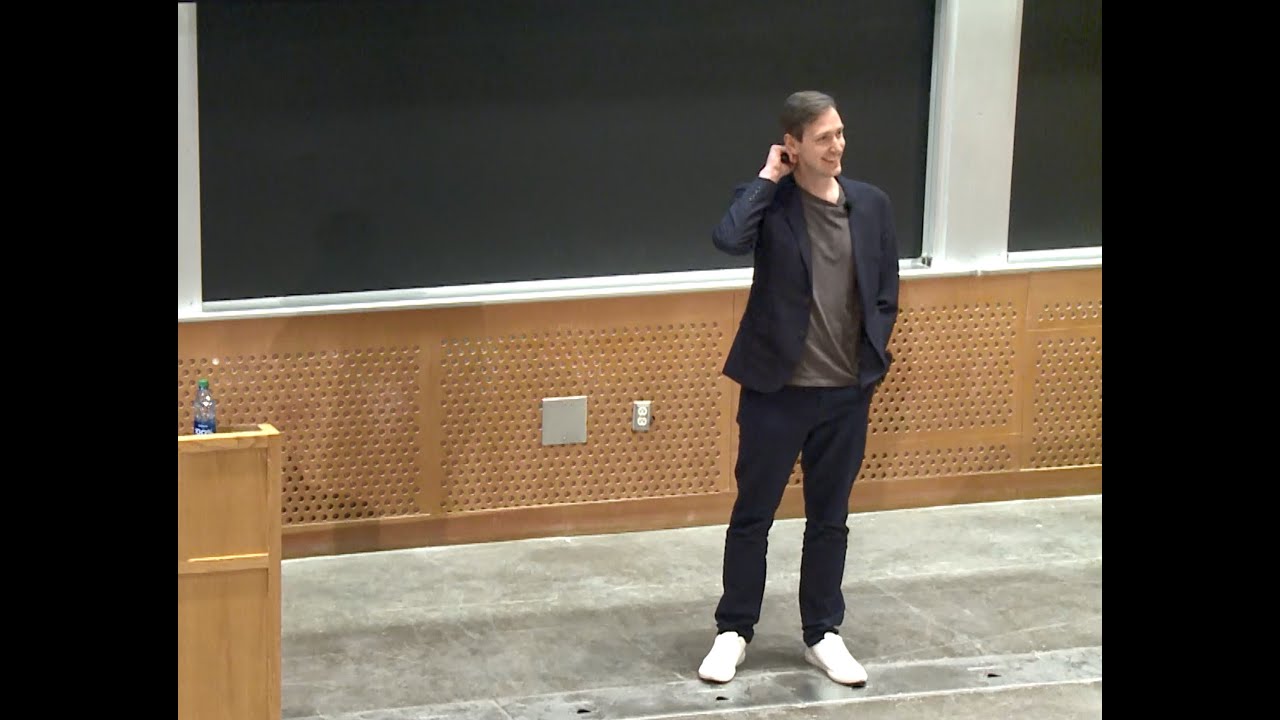
Watch: AI-Assisted Development in Practice
The Bottom Line
The developers who thrive in the AI era are not the ones who resist these tools or the ones who blindly trust them. They are the ones who develop sharp judgment about when to use AI, when to override it, and how to direct it toward the right outcomes.
AI is the most powerful productivity multiplier in the history of software development. Use it like one.

Vighnesh Salunkhe
"Passionate about building scalable web applications and exploring the intersection of AI and human creativity."
Join the Conversation
Share your thoughts or ask a question